Creating Member Posts: Updates, Meet & Greets, Tour News
Not every announcement is a song. Sometimes it’s “I’m on tour” or “meet me backstage.” and that’s exactly what Update posts are for.
WALKTHROUGH:
1.Tap the “+” icon to open Submit/Announce.
2. Select “Create Member Post” again — but this time choose Update.
3. Write your announcement: tour dates, a secret meet-and-greet, who’s opening for you, and more
4. Publish—it lands under the “UPDATE” tab, gated the same way as Early Release.
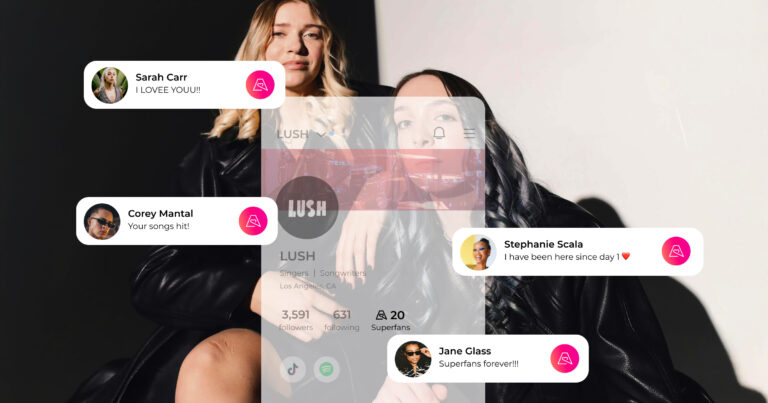
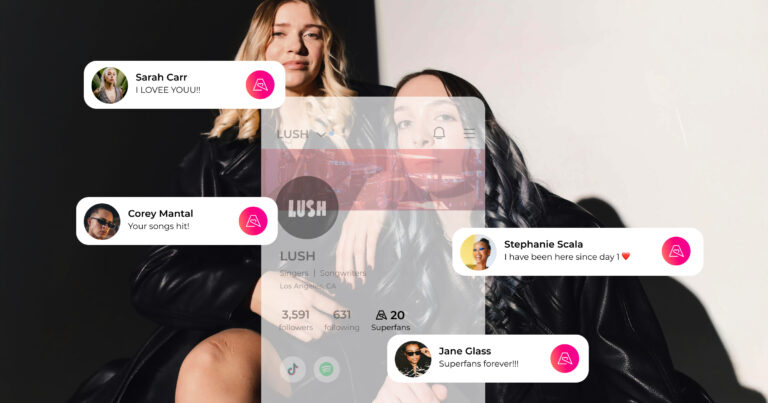
This is your backstage channel. It’s not for the public feed it’s for the fans who’ve already shown up for you financially. That exclusivity is what makes membership worth it.
Use Updates to make your superfans feel like they’re on the inside of your career, because they are.